
How to Search Civil Dockets
Start with the county-filtered Judicial Branch Docket Search. Choose District, County, or Both. From there, set a date range and add at least one more filter, since the form accepts a party or business name, an attorney name or bar number, a division, a courthouse, or a case number. An exact number breaks into a four-digit year, a class letter, and a one-to-six-digit sequence, so have those pieces ready before you run the civil docket search.
- Select Las Animas County and the likely court type.
- Choose a date range, then enter a case number or party filter.
- Run Find Dockets and compare the whole case number.
- Record the date, time, hearing label, appearance mode, and courtroom.
- Ask the clerk for an ROA or named document when history is needed.
Keep expectations in line. The free result is a hearing list, not a full civil docket history. For the records themselves, use the official record and document form. You can also call 719-846-3316, or visit Room 304 at 200 E. 1st Street in Trinidad. Confirm any mail instructions by phone. Skip the published fax number for filings or record requests. The court states it does not accept fax filings.
Las Animas County Civil Docket Classes
The public search shows C, CV, CW, DR, JV, PR, and S among its civil-related case classes. No Las Animas decoder exists for every letter. Pick a class only when it matches a known case number. A court notice you are holding works too. When in doubt, search by party across Both court types. Then confirm the class with the clerk before relying on it for a docket lookup.
| Search route | Use it when | Main limit |
|---|---|---|
| Exact number | Year, class, and sequence are known | Each part must fit its field |
| Party or business | The case number is unknown | Common names need careful comparison |
| Attorney | Counsel name or bar number is known | It returns settings, not filings |
| Both courts | Jurisdiction is unclear | Results still depend on the date window |
You can export or print the search results. What they will not give you is pleading images, the cause of action, the amount sought, a judgment balance, or a complete chronological record of the court docket.
What a Civil Docket Shows
A calendar entry tells you an event and its place. That is all it tells you. The civil ROA goes much further. It records filings, motions, orders, settings, judgment activity, and later enforcement or appeal entries in order. The free interface shows only part of that picture. So count on the clerk's official Register of Action for anything the docket search leaves out.
| Case Number | Year, class, and sequence identifying the civil matter. |
|---|---|
| Name | A party name displayed with the hearing result. |
| Date and Duration | The scheduled start and estimated time. |
| Hearing Type | Return date, pretrial, mediation, trial, Rule 120, permanent orders, or another listed setting. |
| Appearance and Room | In-person or virtual status, location, and courtroom. |
After a pleading or order? Find it on the ROA first, then request that exact document. Certification is a separate clerk service, reserved for times when an authenticated copy is required.
Las Animas County Civil Docket Timeline
A typical civil sequence is Complaint or Petition › Service or Summons › Answer › Motions and Orders › Pretrial, Mediation, or Other Settings › Trial or Dispositive Ruling › Judgment › Satisfaction or Enforcement › Appeal. The path varies. Settlement, dismissal, default, or a court order can change it.
One setting is only one step. A Return Date on Summons is not a judgment. A mediation listing does not prove the dispute settled, and a trial setting is not the final result. Reading the Las Animas County civil docket accurately means tracing the ROA in date order until you locate the signed judgment or other final order.
Note: A calendar label states why a matter is set, not whether service, judgment, payment, or settlement has occurred.
Types of Civil Cases on the Docket
Where a Las Animas County civil case begins depends on jurisdiction. District Court covers general civil matters above the County Court limit, along with domestic relations, probate, juvenile, mental-health, and water matters in their proper divisions. County Court is different. It handles claims below $25,000, small claims, forcible entry and detainer matters, protection orders, and other limited-jurisdiction civil cases on its docket.
| Matter | Likely court | Useful record |
|---|---|---|
| General civil over $25,000 | District Court | ROA and named orders |
| Civil under $25,000 | County Court | ROA and judgment documents |
| Small claims | County Court | Hearing docket and judgment |
| Domestic or probate | District Court | Only public portions and authorized documents |
| Municipal matter | Municipal court | City court record, not state civil docket |
Both state trial-level files sit with one Combined Court clerk. So the searcher picks a court, not a separate county records custodian.
Las Animas County Small Claims Docket
Small claims live in Las Animas County Court, not District Court. Check the County Court calendar for the current setting. The ROA matters when you must trace a case's sequence. That sequence runs filing, service, hearing, judgment, and satisfaction. A small-claims setting alone will not show the claim's outcome. It will not show whether a judgment was later paid. For that, ask the Combined Court clerk for the specific judgment or satisfaction document. Municipal portals cannot replace this state court channel, even when both parties live inside a town.
Las Animas County Civil Judgment Documents
The online request form splits apart documents that sound alike. An Order for Judgment records a court ruling. A Transcript of Judgment is a clerk-issued judgment record used for enforcement. Its posted fee is $25. A Satisfaction of Judgment shows a judgment was paid or satisfied. The Certificate of Satisfaction carries a posted $20 fee. Certified copies are another service entirely, posted at $20 per document plus copying where assessed. Family filings offer a decree, parenting plan, separation agreement, support order, and petition. Probate choices cover letters, will, trust, application, petition, closing, and claims. Name the exact item. Then the clerk does not have to guess at a broad request. A hearing transcript is different again. It runs through the JDF 4 court-reporter process rather than the ordinary civil copy workflow.
Settings and Hearings on Civil Dockets
Las Animas County Court schedules civil return dates Monday through Friday. The county page sets the time at 10:30 a.m. That time applies only to return dates. Other civil hearings get their own labels on the docket. Labels include PreTrial Conference, Mediation, Setting, Court Trial, Rule 120 Hearing, Dissolution Permanent Orders, and custody hearings.
Check the newest entry each time and confirm the appearance mode and room. A continuance or reset creates a new operative setting. The earlier event stays in the ROA as history. The Las Animas County court calendar walks through the live hearing fields and confirmation steps. If a notice and the online result conflict, call 719-846-3316 for late changes.
Las Animas County Civil Rule 120 Settings
Rule 120 Hearing is a label you may see on the official Las Animas calendar. It marks a Colorado proceeding to authorize a foreclosure sale. The basis is Colorado Rule of Civil Procedure 120. The label names the hearing type and nothing more. It does not state a result. Nor does it prove a sale was authorized or replace the filed order.
So verify the case number, court type, date, and current setting. Request the ROA for the procedural history. Ask the Combined Court for the named order when you need the ruling. That keeps the hearing list, the chronological record, and the signed document in their proper roles.
Public Access to Civil Dockets
Plenty of Las Animas County civil docket entries are open to the public. Remote access is not full access, though. Juvenile, adoption, dependency, mental-health, paternity, and much domestic-relations material can be restricted. Protected identifiers get redacted. A missing result can mean several things. It may be a sealed or excluded matter, a date-window problem, or the wrong court.
Colorado's Colorado Public Access Rule 2 page sets out the rules. It governs what the public can reach.
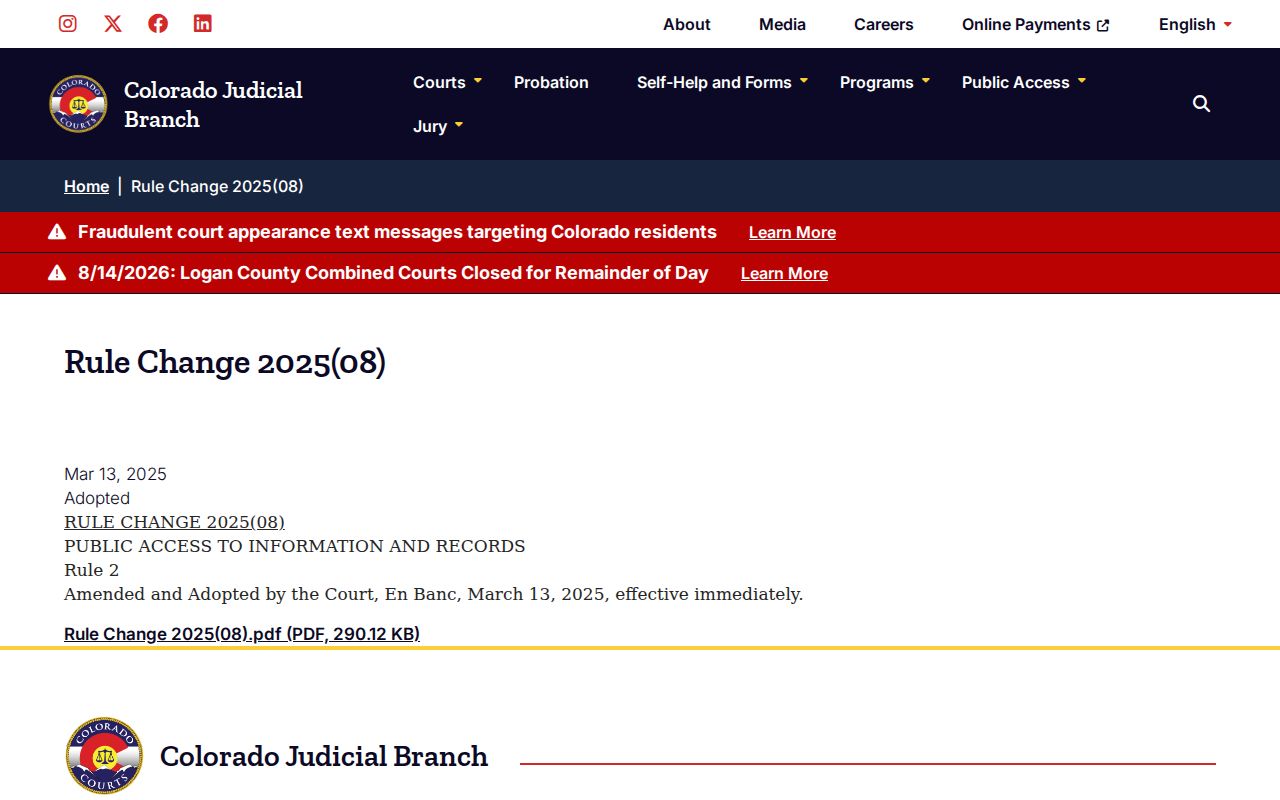
Rule 2 covers Judicial Branch administrative records. Civil case-record access runs instead through CJD 05-01, so treat the two regimes as separate.
Access framework:
CJD 05-01 governs Colorado court case records, including remote and courthouse access.
Public Access Rule 2 addresses Judicial Branch administrative records.
Current Colorado Revised Statutes include limits for juvenile records and other protected categories.
Las Animas County Restricted Civil Dockets
Domestic, juvenile, probate, and mental-health cases can all be filed in District Court. Yet they do not share one access rule. The public may see a limited setting. Filed reports, identifiers, or the whole matter stay restricted. CCE labels such material Public, Protected, Restricted, Suppressed, or Sealed. The label rests on the law and any order that applies.
Party status or identity can decide access, so contact the clerk in those situations. The statewide request form warns that government photo identification may be required for restricted files.
Las Animas County Civil Clerk Access
The Combined Court clerk serves both state civil trial levels. You can submit the official web request. You can also call 719-846-3316, stop at the Room 304 counter, or mail a request after confirming instructions. The counter closes at noon and reopens in the afternoon. Fax is not an accepted filing route.
Bring or send the key details. Include the case number, party names, approximate year, case type, and the exact document sought. Those details let the clerk tell a calendar question from an ROA or copy request.
Missing Las Animas County Civil Filings
A docket result with no document link is normal. The public calendar does not expose civil pleadings. Paid commercial ROA vendors named by the Judicial Branch offer unofficial chronology, not filed images. Colorado Courts E-Filing is a filing system; eligible self-represented parties may register and opt into their own cases, but CCE is not an unrestricted public viewer.
For an official ROA or document, use the clerk's online form, the Room 304 counter, the phone, or a confirmed mail route. The form sets an initial response expectation of three business days absent extenuating circumstances. That is not a promise of final delivery. Off-site retrieval, redaction, restrictions, scope, and payment can each add time.
Statutes frame the access limits and civil procedures. The current Colorado statutes source publishes the official titles.
Statutes help identify access limits and civil procedures. The clerk's official file still controls the record in any specific case.