
Searching Cases by Name
For a name-based lookup, the official county-filtered Docket Search lets you search by individual, business, or attorney. You can also search by any of those at once. The link arrives preset to Las Animas. A date range plus at least one added filter is still required. When the court level is unclear, search both County and District Court. The Combined Court clerk keeps both sets of files.
- Open the county-filtered search and select County, District, or Both.
- Choose a date window from today through the available six-month range.
- Select Individual or Business, then enter the matching name fields. An attorney may be searched by name or bar number.
- Click Find Dockets and compare the full case number, court, date, and hearing type.
- Print or export the result, then confirm a time-sensitive setting with the clerk.
| Field | Type | Required | Use |
|---|---|---|---|
| Court Type | Dropdown | No | Both, County, or District |
| Date Range | Dropdown | Yes | Today, set date, week, month, three months, or six months |
| First and Last Name | Text | Conditional | Individual search route |
| Business Name | Text | Conditional | Business search route |
| Attorney | Text | Conditional | Name or one-to-six-digit bar number |
Las Animas Case Search Controls
Filters shape a Las Animas County case search. You can narrow by Judicial District, county, courthouse, court type, division, case number, party, business, or attorney. Dates alone will not run it. That rule explains many a blank screen. So add a party, number, division, court, or another location filter before trying again.
Each page of results holds twenty entries. Export Results and Printable Version buttons let you save a working list. Neither tool freezes the calendar, though. A live entry can still change through later resets and cancellations.
The Las Animas County docket interface displays the public controls on the official site:
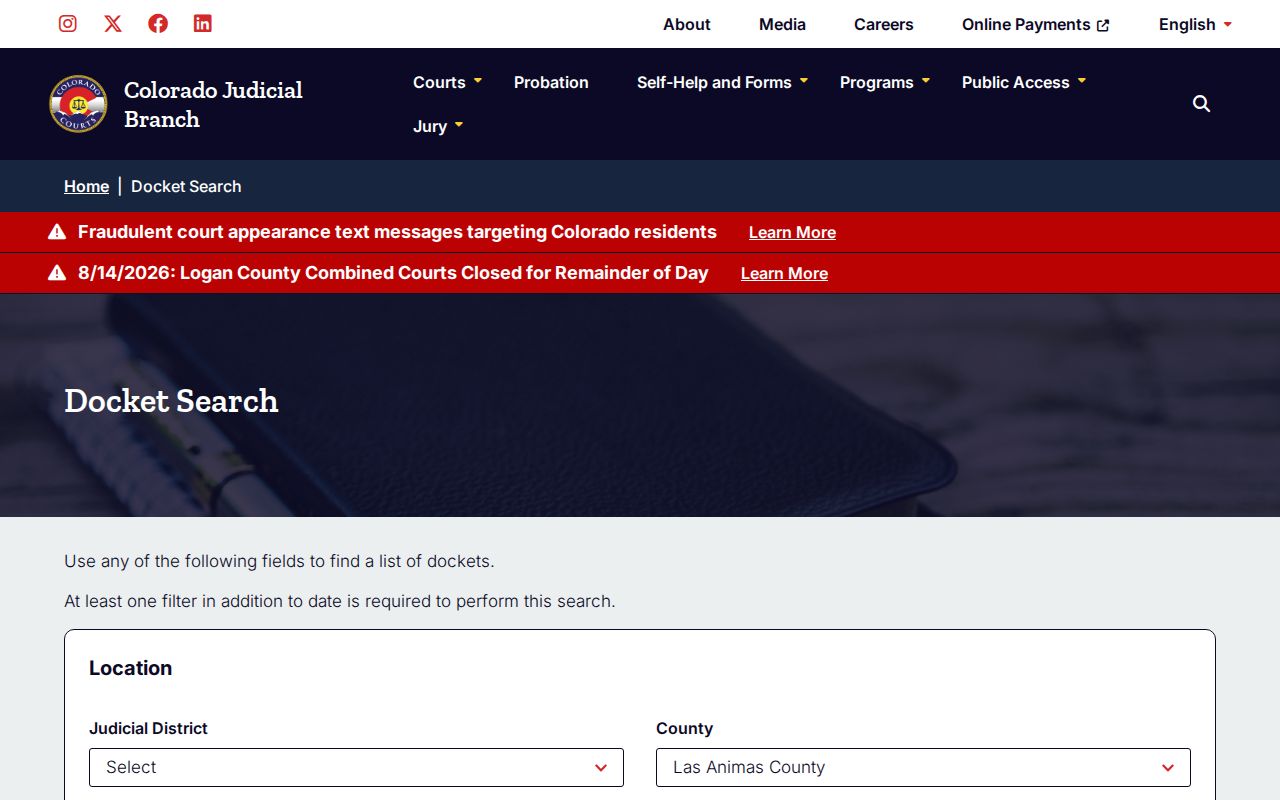
The image helps distinguish a hearing lookup from a broad archive search.
Searching by Case Number
Nothing beats an exact case number. The public form splits a number like 2025CR123 into a four-digit year, a case class, and a sequence of one to six digits. Each piece goes in its own field. Skip the punctuation, and never paste the full string where the form wants parts.
Class choices run C, CR, CV, CW, DR, JD, JV, M, PR, R, S, and T. The Judicial Branch publishes no Las Animas-specific decoder for every code. When in doubt, use the case type printed on a notice, pick the class you know, or ask the clerk instead of guessing from letters alone.
Las Animas Case Number Parts
A case number pins a result to one court file. A name can match several people. The year tells you when the case opened, the class marks the record category, and the sequence separates that filing from every other case in the same year and class.
- Four-digit year
- The filing-year segment, entered as four numerals.
- Case class
- The court system's letter code for the record category.
- Sequence
- The one-to-six-digit case sequence entered without added text.
When a number fails, recheck the court type and each segment. A municipal citation may also fail, because it belongs to a city court rather than the Colorado Judicial Branch docket.
Las Animas Business Case Searches
Businesses get their own search route. Use the entity name exactly as it appears on the court notice. Keep Las Animas selected. Broad names can return several settings. So compare the case number, court type, hearing date, and location before calling a row the right case.
The attorney route is separate too. It takes either an attorney name or a one-to-six-digit bar number. Either way, you get scheduled hearings. You do not get a complete client file or the filed documents themselves.
What a Case Search Returns
A Las Animas County case search returns a calendar entry. It tells you when and where a hearing is set. What it does not show is the history behind the case. That means no pleadings, charges, rulings, or documents. Read the visible name as a clue and the case number as the key match.
| Date and Time | The scheduled date, start time, and listed duration. |
|---|---|
| Name | The public name field used to identify the setting. |
| Case Number | The year, class, and sequence for the court file. |
| Hearing Type | The event label, such as arraignment, status conference, or court trial. |
| Location | The courthouse, courtroom, and in-person or virtual appearance detail. |
No free official result confirms a filing date, full charge, disposition, bond ledger, attorney list, finance record, or document image. Ask the clerk for an ROA when you need the chronology, and name the document when you need its contents.
Las Animas Calendar Versus ROA
Colorado calls the hearing schedule a "docket" and the chronological summary a "Register of Action," or ROA. Confusing the two layers breeds bad conclusions. A plea hearing on the calendar proves no plea was entered. A sentencing label says nothing about the actual sentence.
Quick distinction: Use the free docket to confirm a setting. Request the ROA to follow charges, sentences, and minute orders through time.
The official ROA access guide notes that historical searches may go through paid vendors, but vendor results are not the official court record and carry no filed documents.
The official page preserves that same distinction:
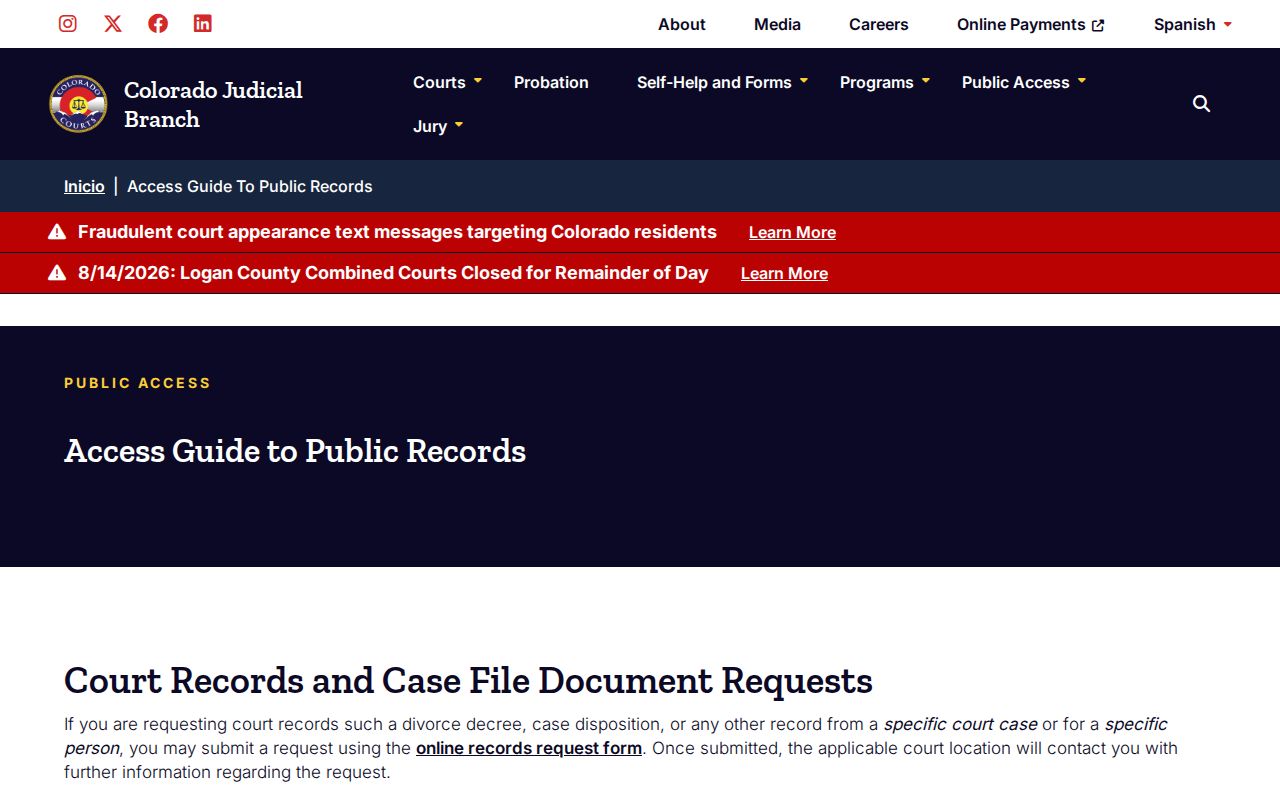
For an official ROA or a filed copy, request it from Las Animas County Combined Court.
Statewide vs County Case Search
Colorado offers no free official statewide historical case-register search. Filter the Judicial Branch tool to Las Animas County for hearing data. Historical ROA research runs through a paid vendor or the Combined Court. County filtering suits a known local hearing. Need an official chronology or document? Go straight to the clerk.
| Channel | What It Provides | Best Use |
|---|---|---|
| Colorado Docket Search | Free hearing dates, types, locations, and case numbers | Confirm a current Las Animas setting |
| Commercial ROA vendor | Paid, unofficial historical case summary | Locate a chronology before ordering records |
| Combined Court request | Official ROA and named filed documents | Obtain the record held by the court |
Las Animas Search Fallbacks
A Las Animas County case search that comes up empty is rarely a dead end. Widen the date range. Set the docket search to Both court types. Check that the year, class, and sequence in the case number match the docket entry you expected. Some routes work better for certain cases. A business or attorney search, for example, can surface a filing a name search misses. Also remember that a recent filing may not yet have a hearing on the calendar. The Judicial Branch posts no schedule for when dockets refresh.
If the docket still shows nothing, figure out which court issued the case. Trinidad and Aguilar municipal matters run through city channels instead. For a state court case, call the Clerk of Court at 719-846-3316. Or go to the Combined Court counter at 200 E. 1st Street, Room 304, in Trinidad. The counter is open weekdays from 8:00 a.m. to noon. It reopens from 1:00 to 4:00 p.m. Phone ahead before mailing any request. Mailing and payment directions should be confirmed with the office.
Note: Las Animas County Combined Court lists a fax number but does not accept fax filings.
Las Animas CCE Access
Colorado Courts E-Filing for non-attorneys is a filing tool, not a public case search. Self-represented parties who qualify can register. They opt into their own domestic-relations or eviction case and wait for the court to accept them. Acceptance can take up to two business days.
Security drives the whole design. Cases carry Public, Protected, Restricted, Suppressed, or Sealed labels. What a user sees depends on that label plus the user's role and the court's rules. Access to documents in one eligible case never opens all Las Animas County records to a registered user. The CCE security-level guidance spells out these access limits.
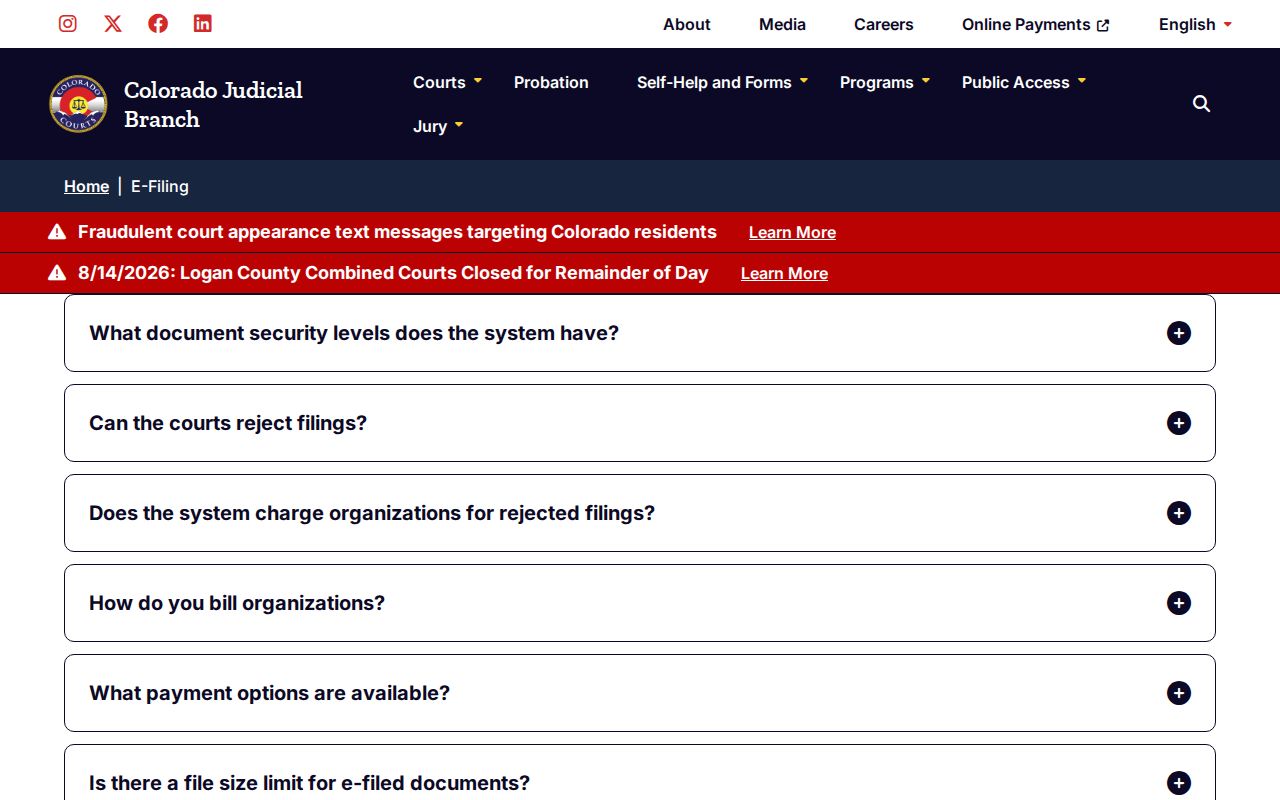
Treat CCE as a tool for authorized filing and access to your own case. It does not replace the public docket or a request to the clerk.
Access and Restricted Cases
Not every Las Animas County case is searchable online, even with full public access. Juvenile, adoption, dependency-and-neglect, mental-health, sealed, and individually restricted matters may be withheld. Much domestic-relations content and protected identifiers can also be pulled from public view. So an empty result is not proof that no case exists.
The governing framework is Chief Justice Directive 05-01, Colorado's main rulebook for case-record access. Criminal files stand on different footing. Under Colorado Rule of Criminal Procedure 55.1 they are presumptively open unless law, directive, or court order restricts them. Restricted does not mean destroyed. The court keeps inaccessible material and preserves it under the governing rule.
Las Animas Missing Documents
The case search offers no click-through document images. Once the docket or ROA points you to the item you need, turn to the statewide Record and Document Request. Name the specific complaint, order, judgment, decree, protection order, or ROA you want. Pay for certification only when an authenticated copy is truly required.
You can also start a request at the Combined Court counter or by phone. Mail works as a fallback once instructions are confirmed. The form promises an initial response in three business days absent unusual circumstances. Off-site retrieval, redaction, restricted access, and payment can each stretch that timeline. So plan for delays in getting your court records.
Confirm Las Animas Hearing Changes
A printed or exported search result can go stale. A continuance moves the operative date, while an older setting may still sit in the ROA as history. Compare the newest docket entries. Call 719-846-3316 when a hearing is close or a result conflicts with a court notice.
Virtual hearings need a live check too. Colorado is changing its digital-hearing tools. Use the current county court page on the hearing date rather than an old meeting link. Participant and observer links can differ, and the court's current order controls.